
About Virtual Reality Virtual reality allows students to take classroom field trips to places that they may never have the opportunity to visit (perhaps due to economic means- this will be different depending on the demographics of the school) and also into fictional realms. In ELA, students can enter the worlds inhabited by characters of the great works of literature or experience the day in the life of a professional working in an industry that they are interested in learning more about. It can serve as an alternative method of conducting research besides search engines or unreturned emails to managers or secretaries. In Affordances of Mobile Virtual Reality and their Role in Learning and Teaching, Shailey Minocha also describes how this technology can support those who are unable to attend schools as a result of illness, imprisonment, and other factors (p. 9). Minocha also reports that an additional pro for those who are in classrooms surrounded by other students is that VR will allow users to become oblivious to their surroundings (their distracting neighbor) and focus on their exploration (p. 5).
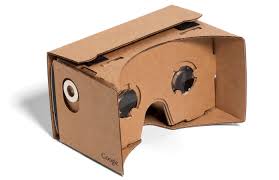
Analysis of Google Cardboard In order to discern just how easily one can become oblivious to their surroundings, I evaluated VR using Google Cardboard. I was either about to be wow’ed or disappointed that I just spent $15 for some cardboard (although actually, it is apparently inexpensive to encourage interest in VR). One thing that I did not initially know is that it is best to stand up when using Google Cardboard (but don’t walk!). I initially explored the pre-loaded tutorials/demonstrations before even realizing that I would need to download the Google Expeditions app to greatly expand my journey options. However, the pre-loaded tutorials are a great way to get a feel for the program.
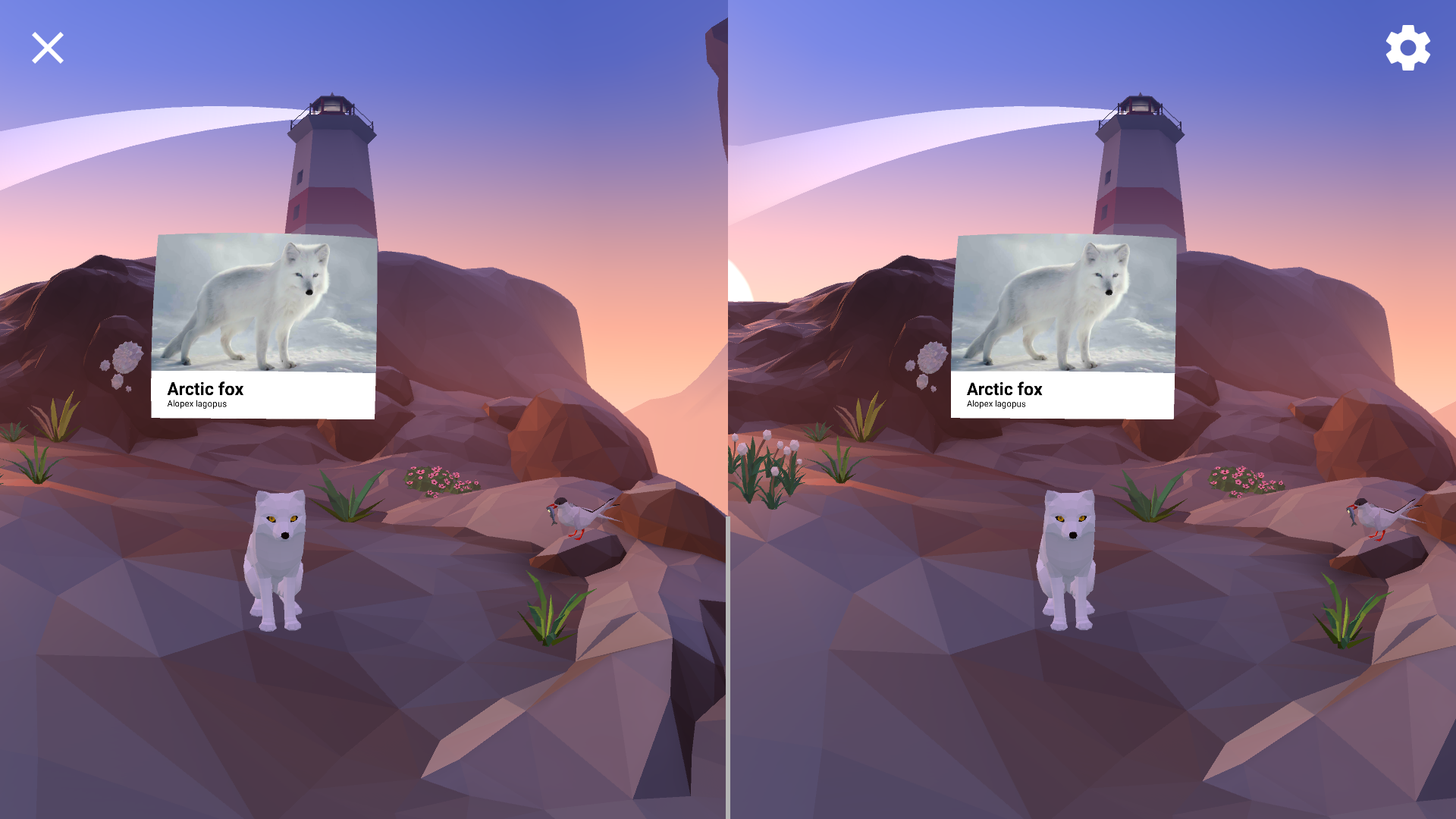
Some notes on the pre-loaded demos: This adventure is called “arctic journey.” Users can choose to fly, play, learn, create, and/or relax. The “fly” option allows you to feel like you are a bird flying over a cliff. “Play” is a game where you get to go fishing in water surrounded by icebergs. Unfortunately, I was not very successful at fishing! “Learn” gives users the names of animals/plants such as- the arctic fox, the arctic tern, the Atlantic mackerel, reindeer lichen, and arctic poppy.
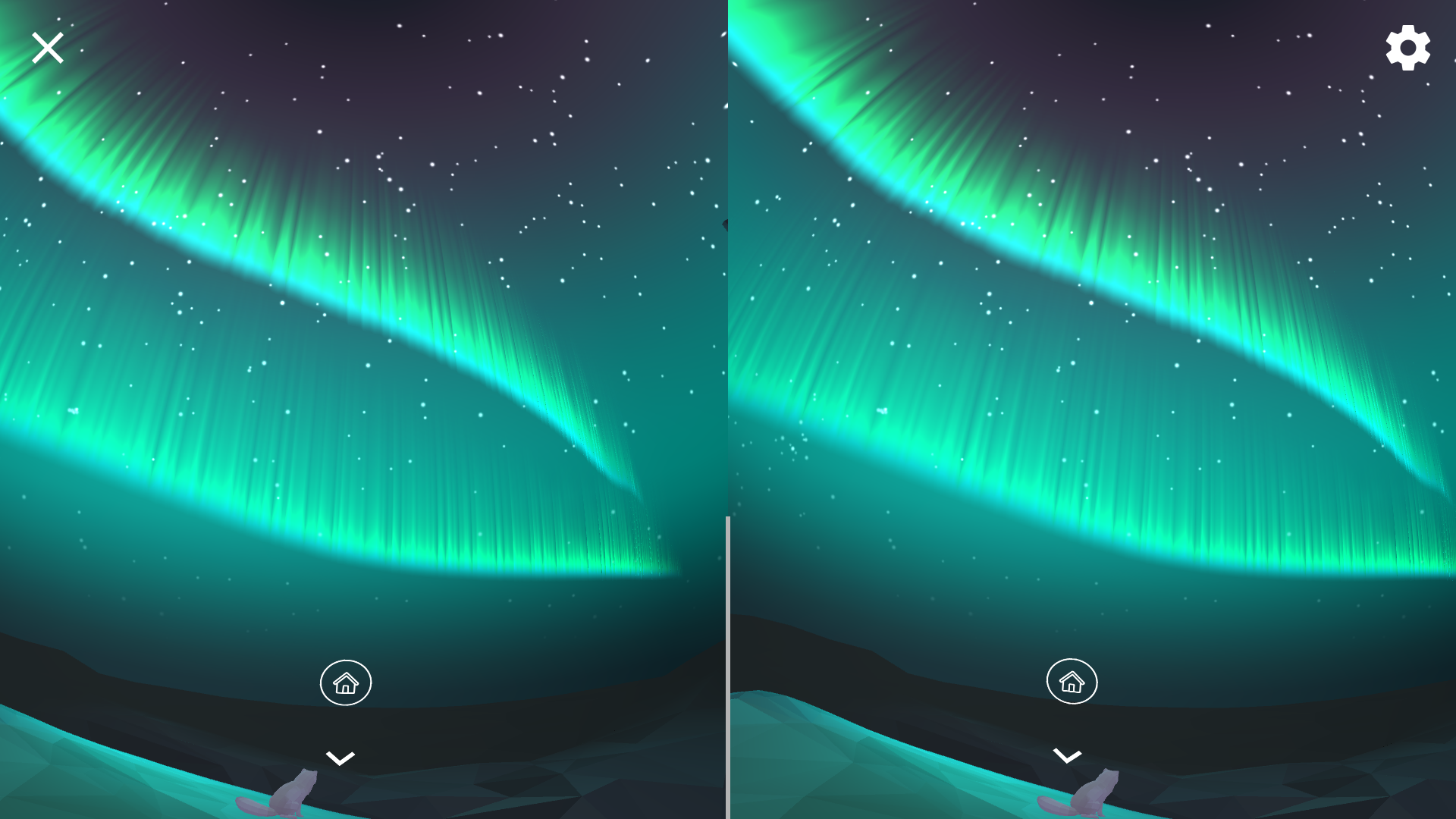
The “create” option allows users to plant flowers on a landscape and the “relax” option is an awesome view of the stars/galaxy (along with a return from the Arctic fox).
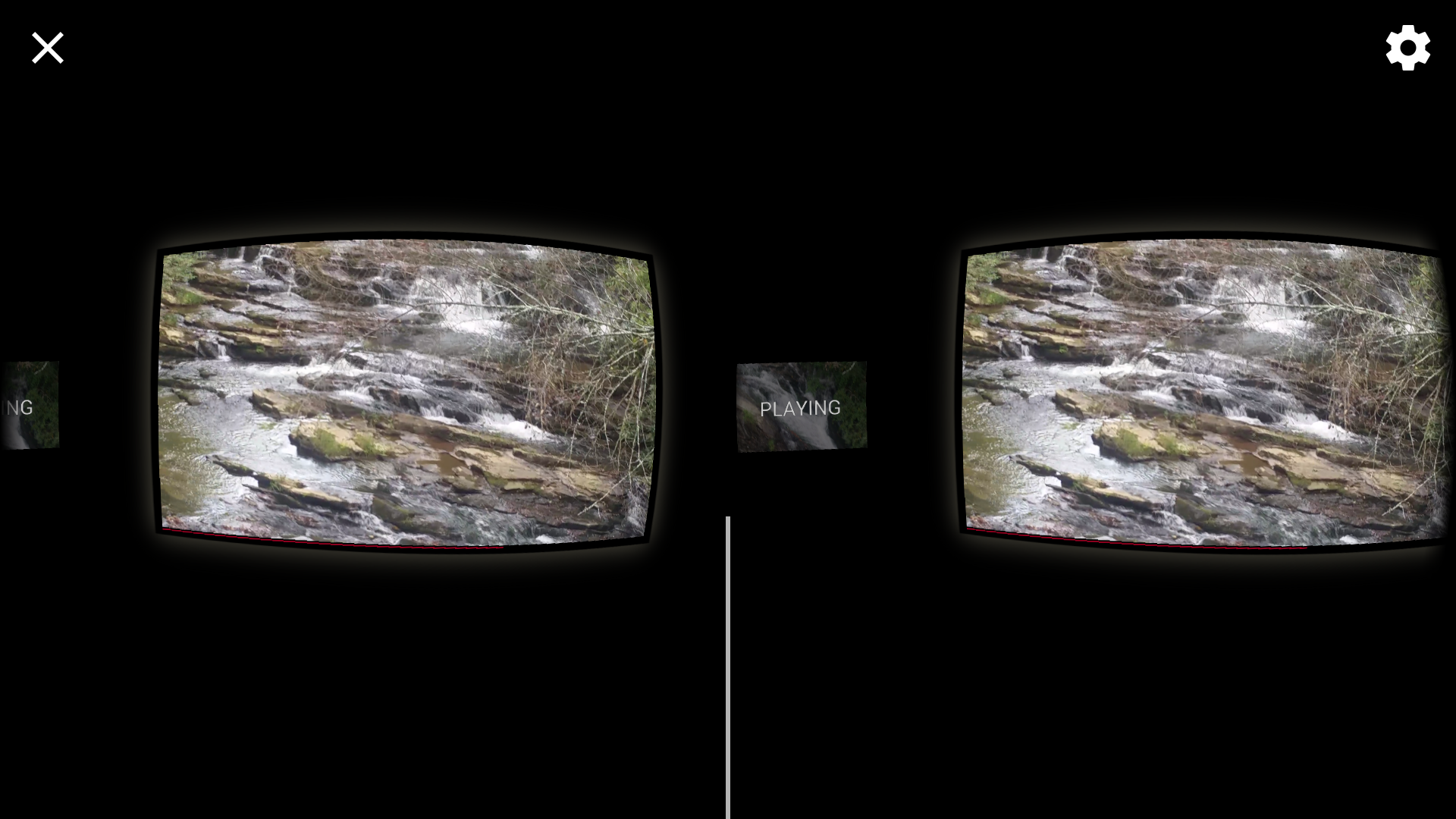
Outside of the “arctic journey,” there is an option to watch any videos that you have recorded on or downloaded to your device on Cardboard. It feels like watching your homemade videos in a movie theater on the big screen!
When I discovered Expeditions, I search for “Atlanta” (for local purposes) and “Shakespeare” (because he is an ELA staple) and discovered that there is a tour of the Martin Luther King Jr. National Historic Site and an opportunity to watch the Royal Conservatoire rehearse “Macbeth,” respectively. Unfortunately, these tours are currently waiting in my queue because I frequently had difficulty establishing an internet connection with Expedition. It seems to only support Wi-Fi, which I do not have access to at all times. In my time of Wi-Fi availability, I was able to download a tour of the American Museum of Natural History, where I was able to learn about the American Bison (among other animals). I have been to this museum before and this seems like an interesting way to maybe learn what a museum is all about when planning a trip to a place like Washington DC. However, it can’t beat the real thing! I was not able to see as many parts of the museum as I had hoped and found the tour to be rather constraining with being able to select pathways around the museum.

Affordances
- Allows students to virtually experience places that they may not ever get the chance to visit. This includes historical events and settings of the past.
- Has a “colleges” category. Students would be able to investigate what some college campuses physically look like as they consider their applications. I could not find KSU.
- Permits students to explore what a day in the life would look/feel like in a range of various careers.
- “Locks up” phone in the box, preventing students from using them for non-educational purposes during the VR lessons.
Constraints
- Because we become so glued to our phones, there was one point when I was using Cardboard that I was wanting to check something on my phone and for the life of me could not find it. Then it dawned on me where it was hiding.
- Really have to make sure that the lenses and your phone screen are both clean….otherwise, it will hurt your eyes!
- Uses up a lot of the cell phone’s battery.
- Only seems to work with Wi-Fi and not the phone’s internet.
My Suggestions
- Connectivity issues are likely (especially if Wi-Fi is poor at your school). Make sure to test technology ahead of classes and to have a backup plan for if some students cannot connect.
- Find ways to utilize the available games as many students love competition and interactivity.
- Would be great to use as an entry point for descriptive writing compositions. Students could explain what they see on their tours and how they believe they would feel if they were actually in that place.
Cautions
- Protect your eyes! Be careful with prolonged usage or dirty lenses to prevent eye strain.
Questions for Teachers
- What types of assignments have you used Google Cardboard for in your classroom? Was it effective? What did you do when some students experienced technological difficulties?
- Is there a tool/platform that you feel is superior to Google Cardboard that your students have used?
- How frequently would you recommend employing VR activities/strategies in the classroom?
References
Minocha, Shailey; Tudor, Ana-Despina and Tilling, Steve (2017). Affordances of Mobile Virtual Reality and their Role in Learning and Teaching. In: The 31st British Human Computer Interaction Conference, 3-6 Jul 2017, University of Sunderland’s St. Peter’s Campus, UK.
 Mr. Watson Presents: The Digital ELA Experience