
The Differentiation Dragon presents… 5 GOALS for Using Technology and Digital Media in the Classroom. Check out The Differentiation Dragon’s video on Blabberize.com
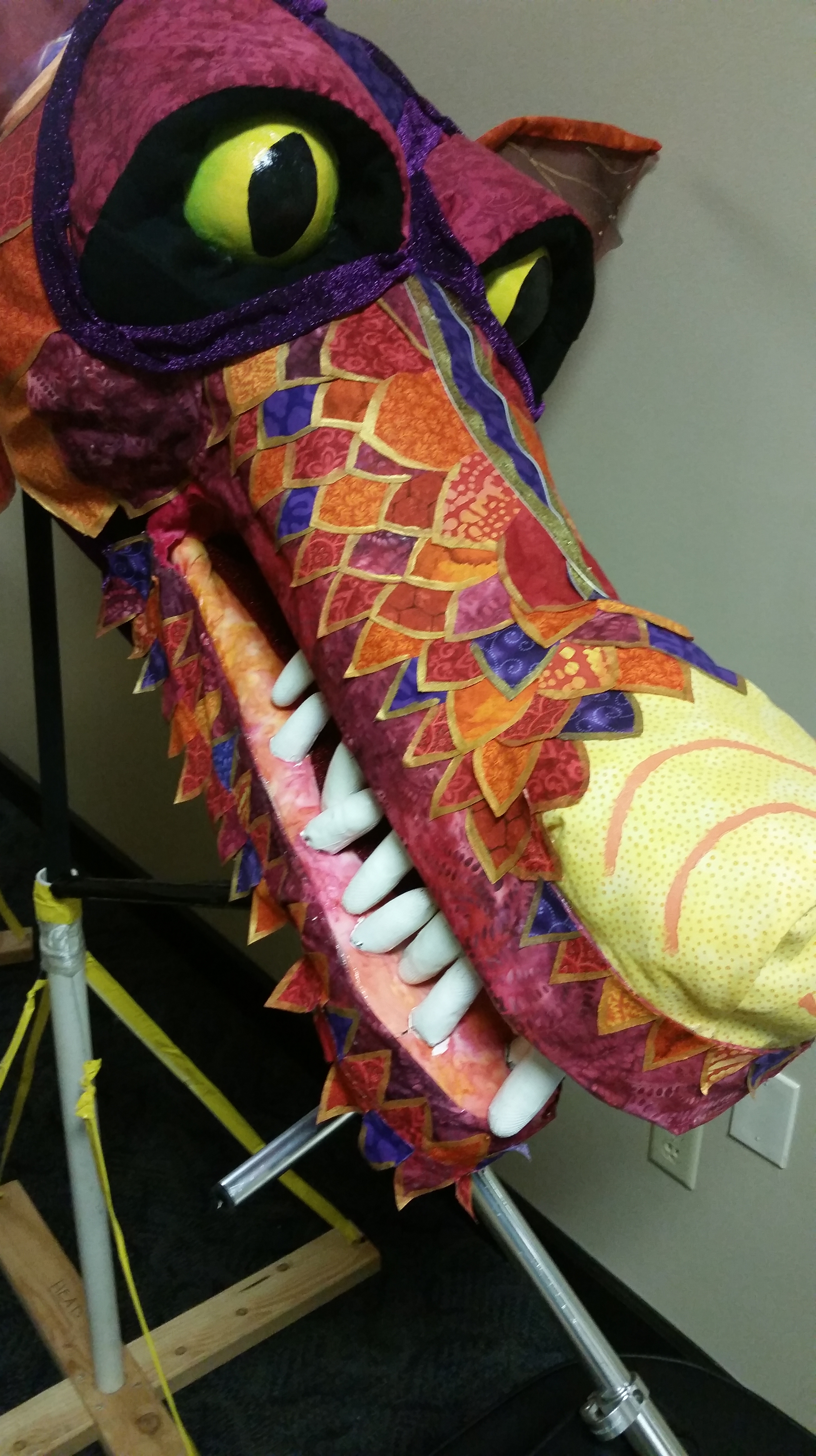
Introduction The Differentiation Dragon is a character that I have created to do exactly what his name suggests…magically differentiate! This vehicle of differentiating using technology is made possible through the talking animation capabilities of Blabberize. This photo editing tool is a potentially fun way for visual and auditory learners to both consume classroom content.
The content of this video presents goals for using technology and digital media in the classroom. I decided to keep it simple with a list of five to demonstrate appropriate lengths of lists to use with students. These are goals that I hope to return to and flesh out in upcoming blog posts.
Here are the 5 goals that are verbally listed in the video…a transcript if you will….for further differentiation:
- 1)Allow students to feel that they are in the modern world and haven’t jumped in a time machine to a 1970’s schoolhouse. Kids feel a disconnect in school when it doesn’t match the present culture.
- 2) Link the technology’s usage to career paths the students may be considering.
- 3) Mix it up frequently to keep students surprised and to appeal to multiple learning styles.
- 4) Provide a platform where students can communicate with those that they may have not ever chatted with-allowing new friendships to be formed.
- 5) To always stay up-to-date- exploring the best new ways for students to learn through interaction with one another.
About the Technology Blabberize is a free site that allows users to insert a picture and record a voice-over. After registering for an account, users upload an image of their choosing, crop it, and signify where they would like the “speaking” to come from on the image (may or may not be from a mouth). In a classroom, this would allow students to learn lessons from talking animals, celebrities, and even inanimate objects. There are certainly many comedic outcomes with these creations. There may be other sites that produce less clunky-looking creations, but I think that it is that awkwardness that is a part of this tool’s charm and one that will grab students’ attention.

Affordances In addition to presentations from the teacher, Blabberize would be a great way for students to create their own characters to help them learn course material or make voice-blogs for characters from literary studies (a student could have a pony playing the part of Jay Gatsby). Additionally, because the students themselves are not on a camera, it may help those who are nervous about public speaking as they can use a pretend voice as modeled with the Differentiation Dragon. This tool would permit students to respond in a manner beyond a standard writing entry and could assist them with developing their public speaking skills. Furthermore, Blabberize creations energize content that tends to be dry, such as vocabulary lessons or writing a list of goals.
Constraints The biggest restraint to using Blabberize in the classroom is that it may become so zany that some students may struggle to be serious when necessary. I feel that characters like the Differentiation Dragon can be recurring in classroom lessons but must be used in moderation to prevent things from becoming stale. As I mentioned above, I believe that many students would embrace the “awkwardness” of these creations, but there would certainly be some who would roll their eyes and prefer something more “high-tech” looking. In keeping with the goal of mixing it up, I would try and find a tool that would serve those preferences for some occasions. It would also be nice to be able to include text (captions or additional unspoken notes) that would allow further differentiation. Finally, the recording process can be a little frustrating. The buttons at the bottom of the player do not always do what it seems like they are going to do. I had to re-record my video two times.
Questions for Teachers about Using Blabberize:
- What activities or assignments do you find the usage of Blabberize to be appropriate for in your classroom?
- When would you never use it?
- Is there a photo editing tool that is more effective with high school students? One that is more high-tech? Is there one that includes more features (such as the inclusion of captions with the video)?
My Suggestions for Using Blabberize:
- The “crazier” the character….the more memorable! Allow students to exercise their “imagination muscles!”
- Have students create character journals using this tool.
Cautions when Using Blabberize:
- Students need to be closely monitored and the teacher will need to screen the videos prior to being presented as there is an “adult” category option and students may take advantage of the liberties available with this tool.
 Mr. Watson Presents: The Digital ELA Experience